This document describes the options offered by the console for managing Backups and Restore device previous states.
Management Console provides several options for managing Backups and Restore device previous state. Backup/Restore is performed from within the OSGi environment by means of special management agents. See Backup and Restore Installation Guide.
To backup/restore the settings and configuration data using the Management Console:
- Go to Dashboard>Device Management.
- From the Browse tab select Backup and Restore for the device you manage
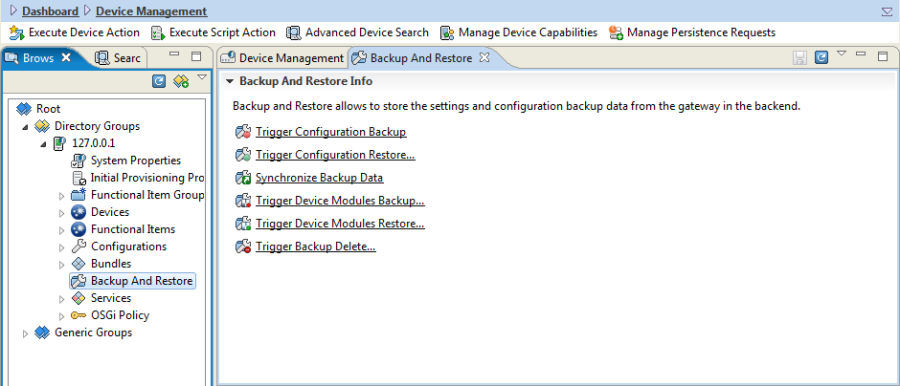
The following functionality is available:
- Trigger Configuration Backup – triggers device full set of user and system configuration backup
- Trigger Configuration Restore... – triggers device full set of user and system configuration restore from the selected file
- Synchronized Backup Data – synchronizes backup files between the device and the RM
- Trigger Device Modules Backup... – triggers device subset of user and system configuration backup
- Trigger Device Modules Restore... – triggers device subset of user and system configuration restore from the selected file
- Trigger Backup Delete...- triggers backup deletion on the gateway side
Every action is triggered as a rule and an "Execution Status" dialog is shown where operation result can be tracked.
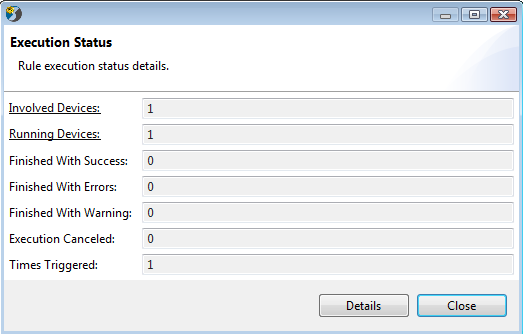
The Execution Status dialog has a "Details" option that displays the "Rule Details" panel on the console.
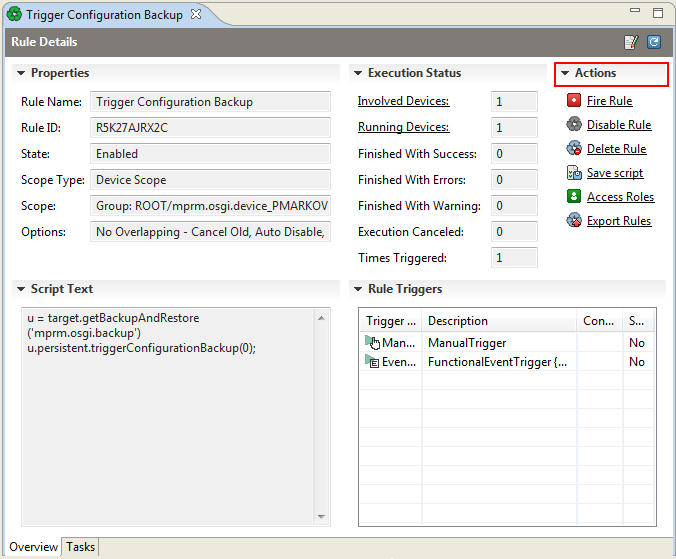
"Rule Details" gives access to "Actions" list where the available actions on the specific rule are listed and could be selected.