Bosch IoT Remote Manager provides backup and restore functionalities using the Bosch IoT Edge Agent's backup and restore features. In order to see the Backup And Restore component, you have to start the backup process on the Edge side.
Assure that this process is running before you execute any actions, otherwise this will leave hanging operations in Remote Manager!
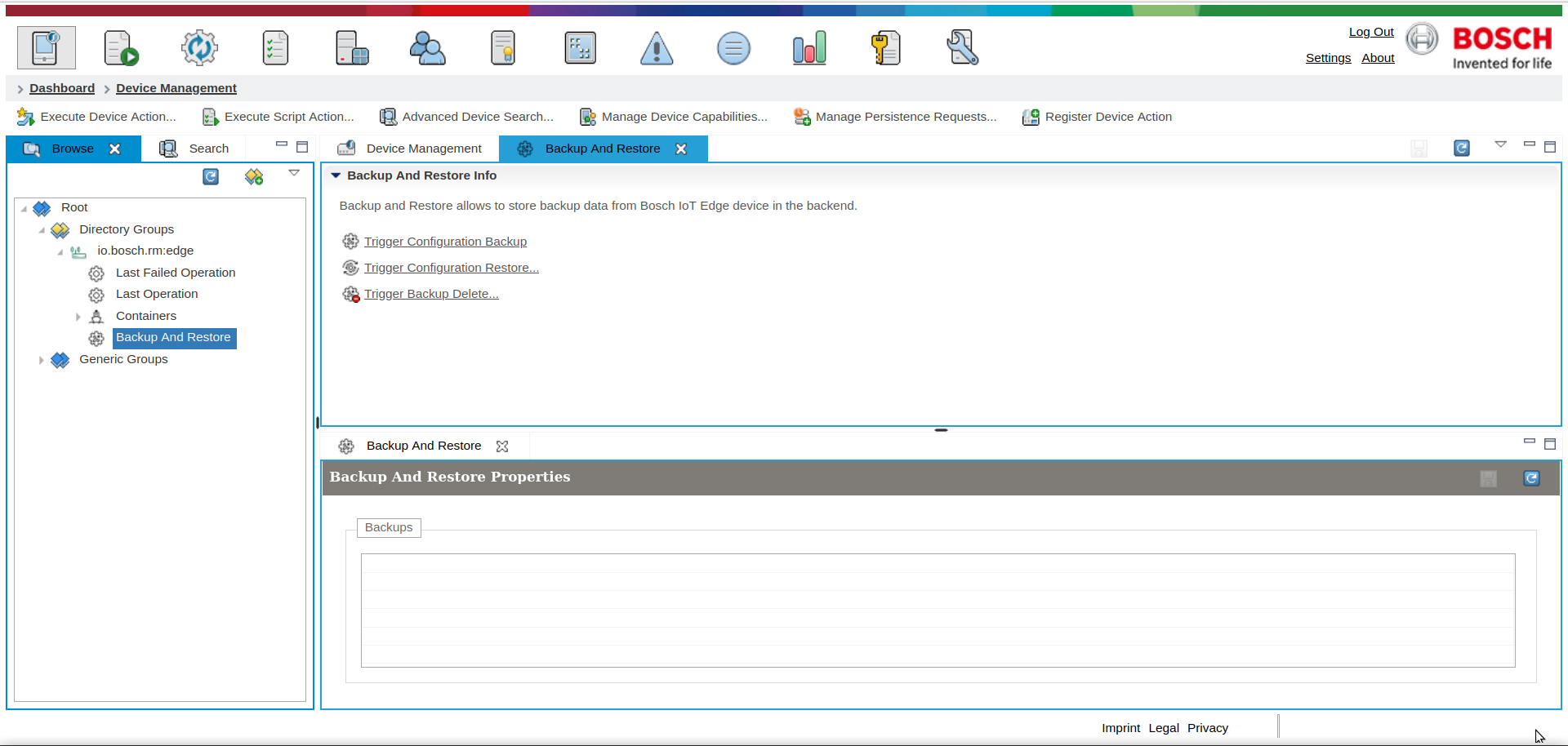
Three actions are available:
Triggering a backup will result in a .zip archive stored on the file system.
Triggering a restore operation will only unzip the .zip file into the restore path. It will not delete any other files in the specified directory!
Deleting a backup will delete the .zip file from the file system.
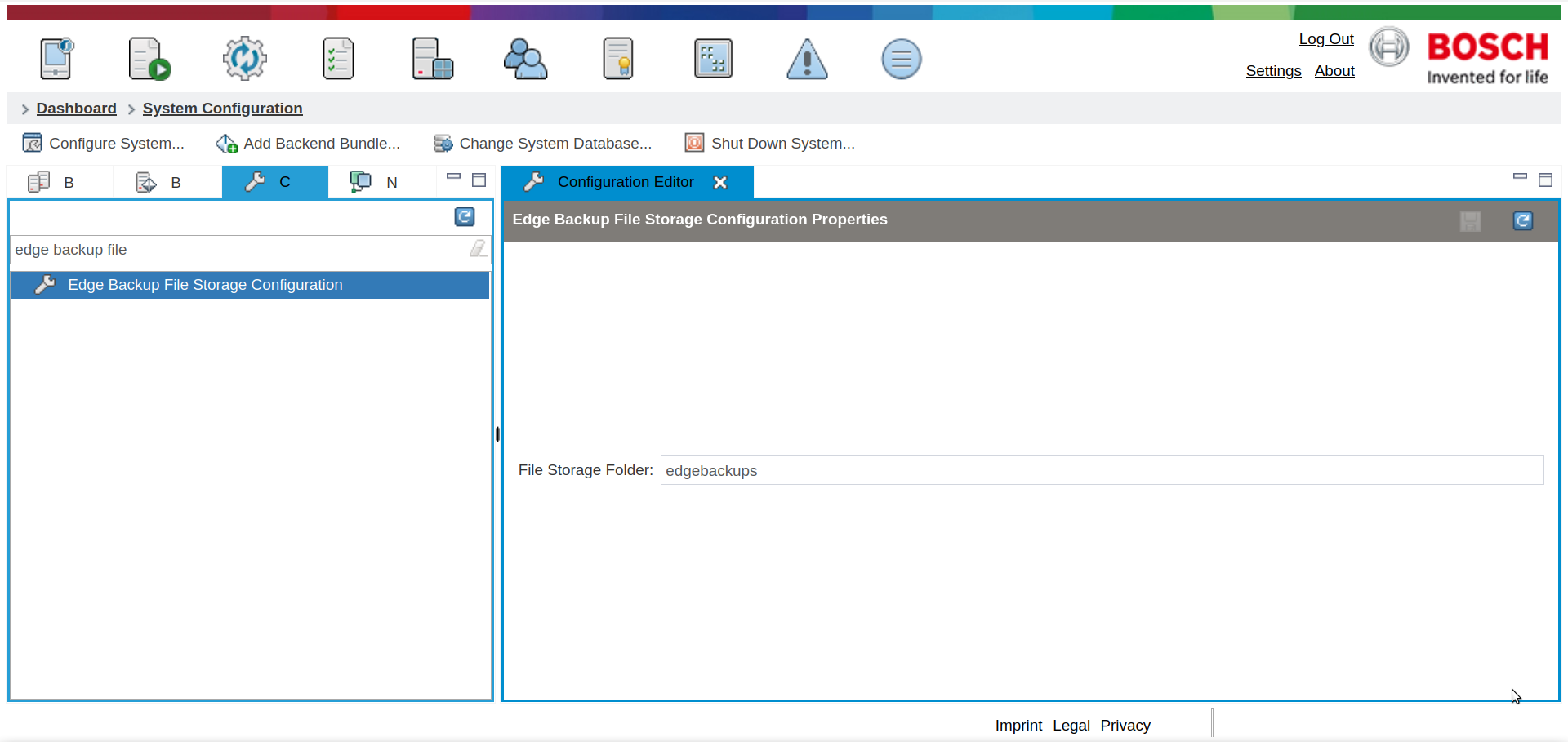
File System Storage path configuration
Backup files are stored only on the Remote Manager side. The configuration where those backup files should be stored is in configuration "Edge Backup File Storage Configuration".
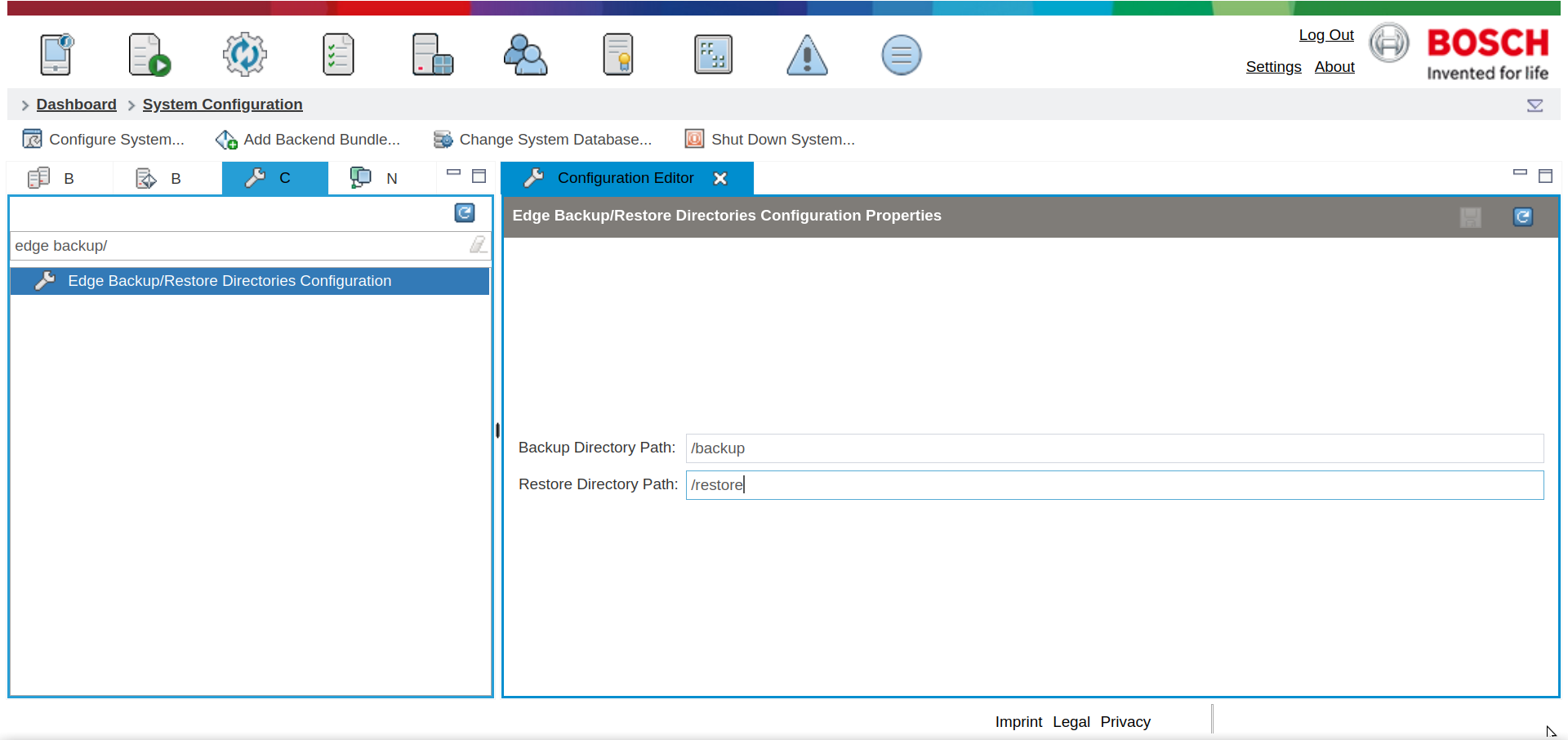
Override default backup and restore directories
The backup process on the Edge side is started with a default directory from where to backup, and where to restore. However, there is a configuration in Remote Manager that can override the this default directory. Both backup and restore paths can be configured using the Edge Backup/Restore Directories Configuration.