Login Methods
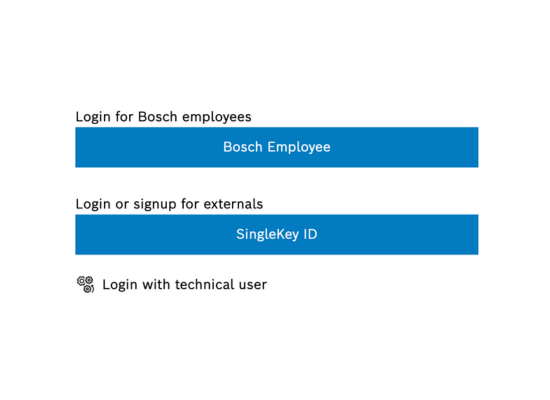
Login by Bosch-external customers
SingleKey ID Login
For users with a SingleKey ID, follow these steps:
- Open the login page for your IoT Remote Manager deployment - in case you;re using trial version login at https://remote-manager.eu-1.bosch-iot-suite.com/mprm/login
- .Select the "SingleKey ID" login option and enter your SingleKey ID credentials.
Note
If you do not have a SingleKey ID, please create one on the Official SingleKey ID website. When doing so, make sure to use the same email address that you are registered with for your Bosch IoT Rollouts tenant.
Login by Bosch-internal customers
- Open the login page for your IoT Remote Manager deployment in case you're using trial version login at https://remote-manager.eu-1.bosch-iot-suite.com/mprm/login
- Select the "Bosch Employee" login option to login via Bosch ID.